Swapping cables
Unplug the keyboard and mouse here, plug them in there.
Hotseat moves them between two or three computers with one key. Press F11 and watch.
Or press F11 Space →Tap the key
Switch one off and it stays on the host.
Works today on Windows 11 and Ubuntu 26.04. macOS is in beta.
Unplug the keyboard and mouse here, plug them in there.
One more box on the desk, with cables of its own.
Find the input menu and pick the right one, every time.
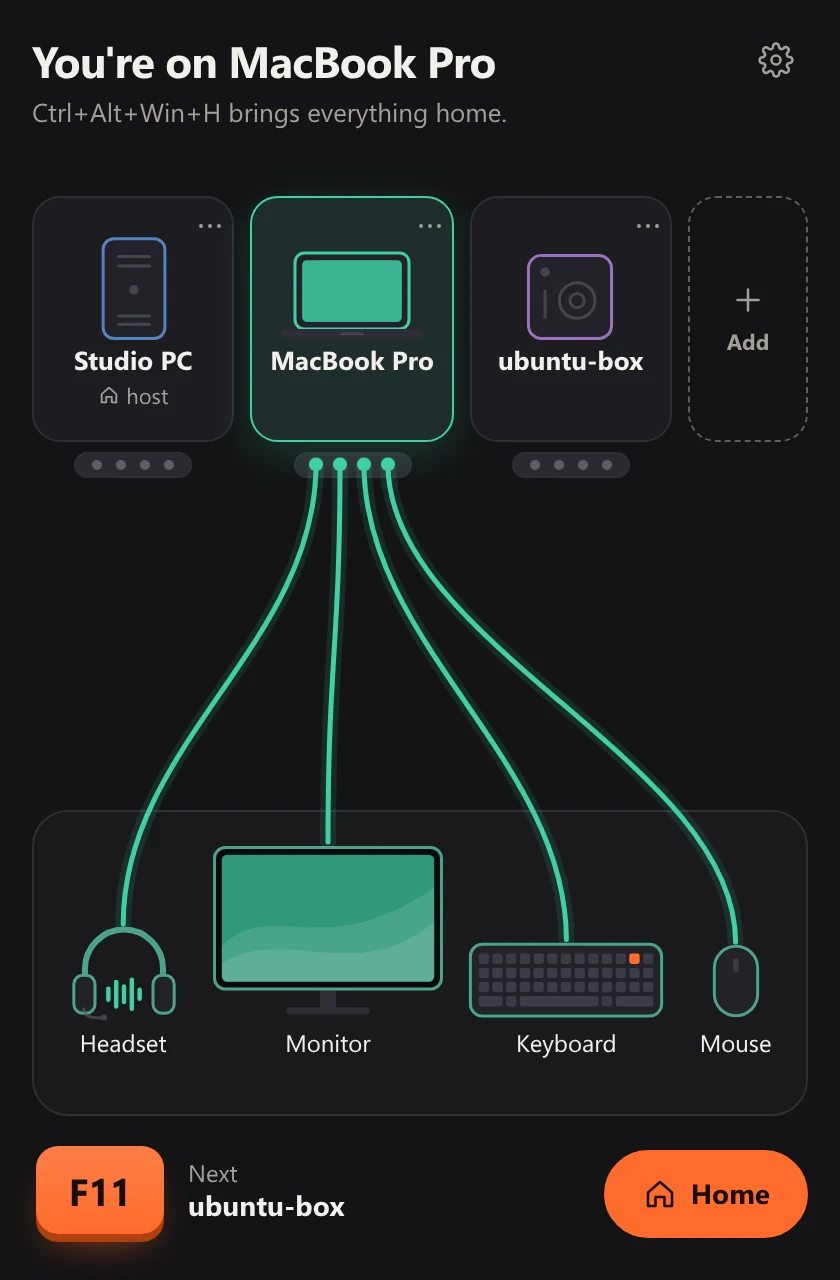
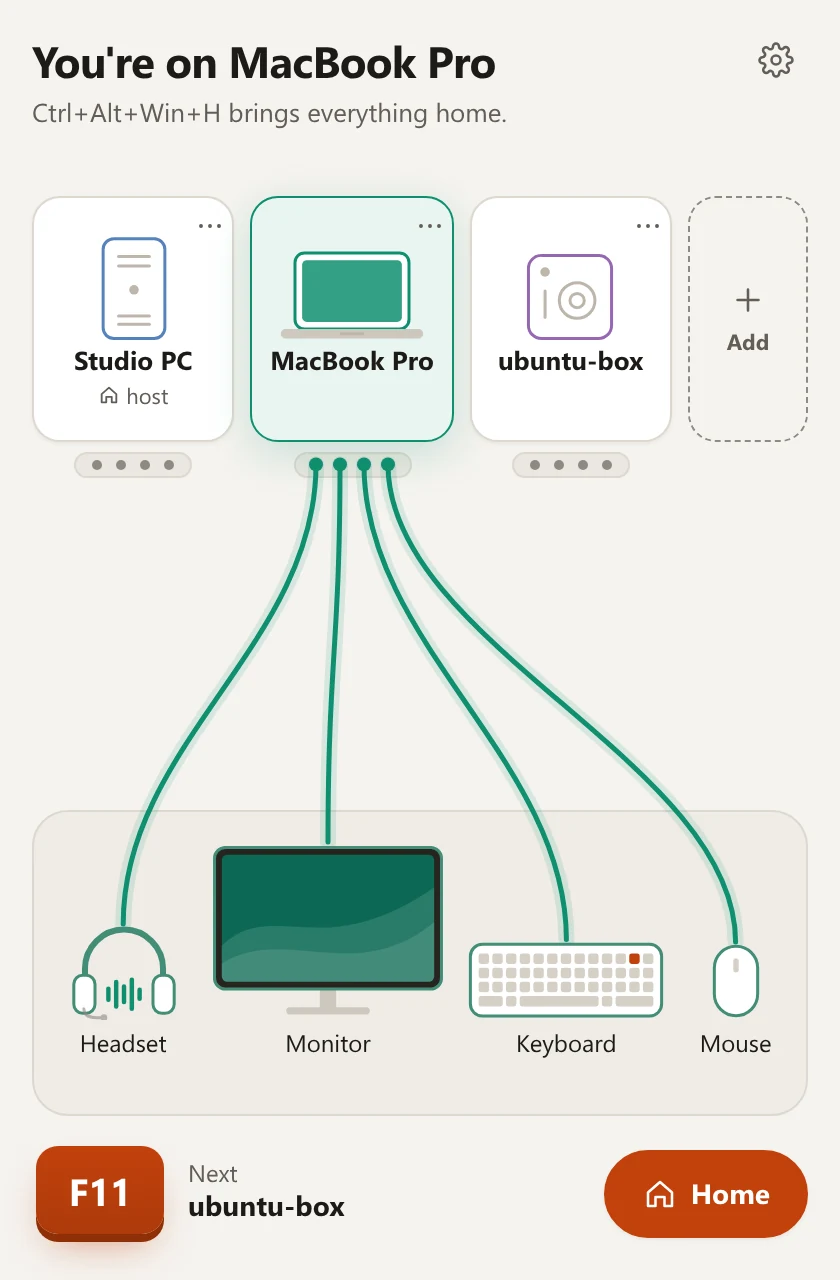
Press F11: the keyboard, mouse, sound and monitor move together.
Press F11 to go to the next computer. If one of them has a screen of its own beside you, a laptop for example, push the pointer past the edge and the keyboard and mouse go with it.
The shared monitor changes to that computer's input by itself, over DDC/CI. No reaching for its buttons.
Copy on one computer, paste on the next: the text goes with the keyboard. Files can be sent to another computer from the Hotseat window.
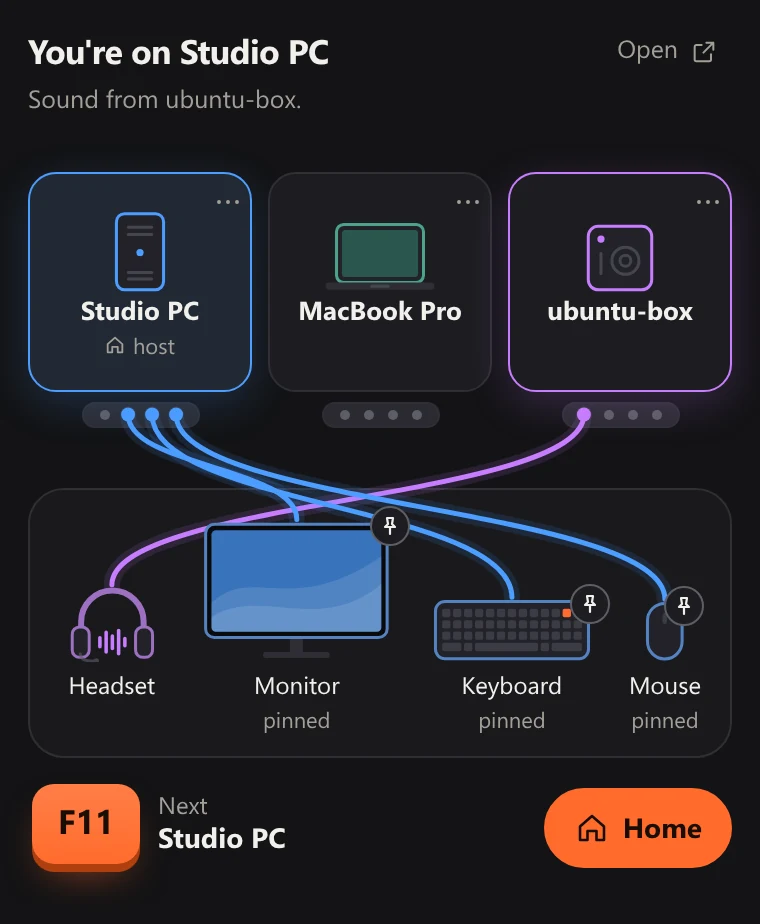
The headset stays plugged into one computer and plays the sound of the one you are on. You can also listen to another computer without moving the keyboard.
Computers are paired with a 6-digit code, and both show the same fingerprint for you to compare. The link is encrypted and stays on your local network. An emergency key combination brings the keyboard back at once, and it comes home by itself if the other computer falls asleep.
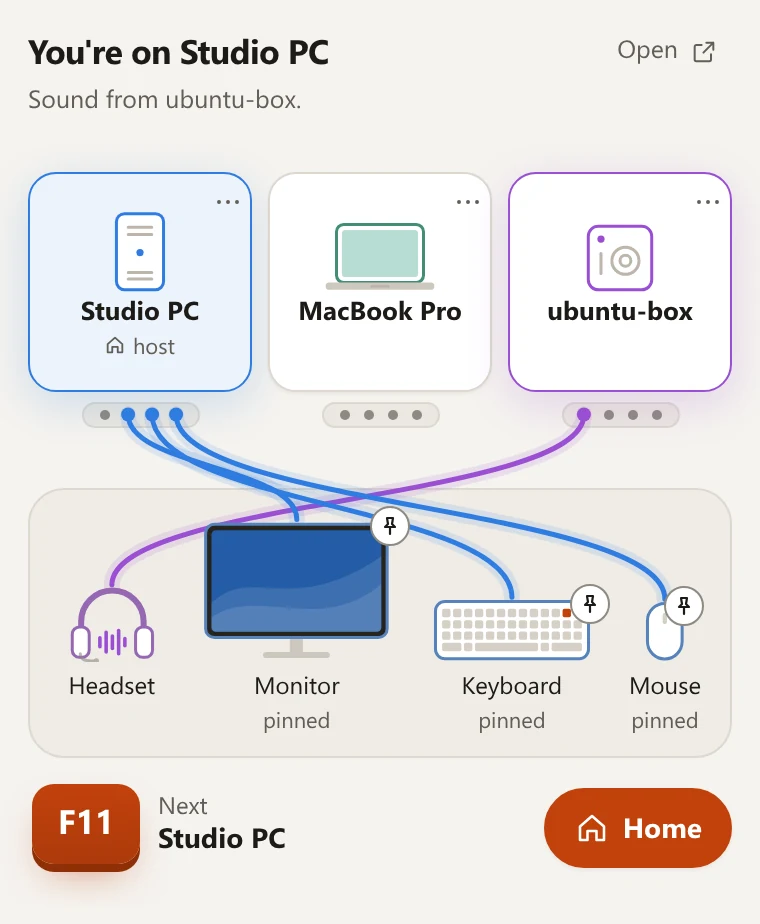
Keyboard, mouse, sound and monitor can each be pinned to the host, the computer they are plugged into: a pinned device stays there when you switch. Pause a computer and F11 passes it by.
Each of them in detail: what you do, what happens, what it needs and its limits
Real screens of Hotseat, with sample computers.
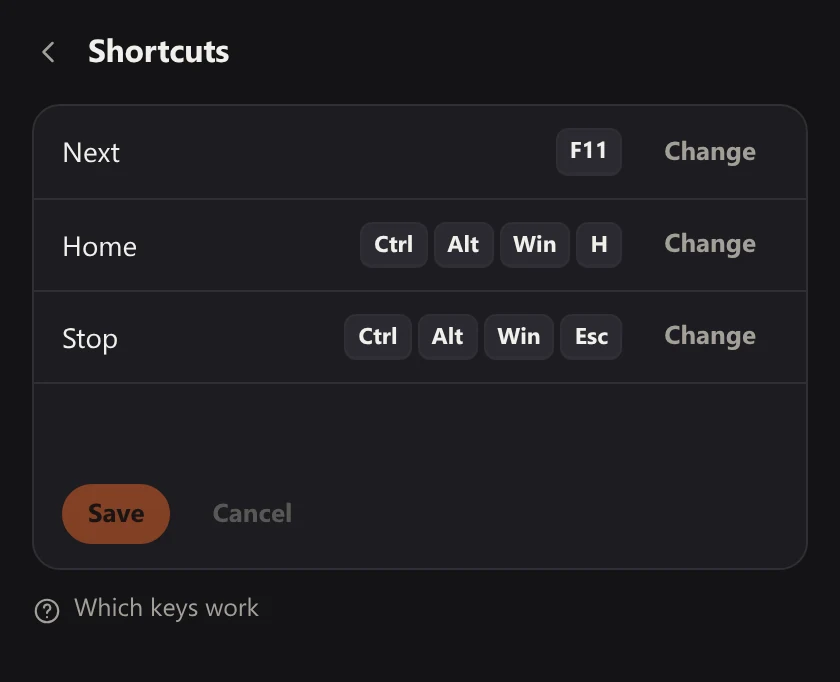
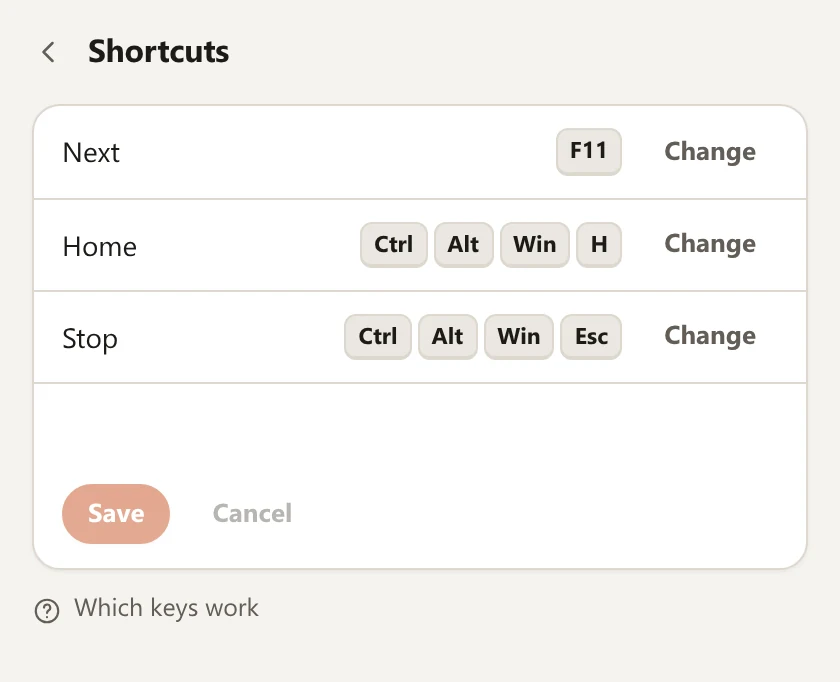
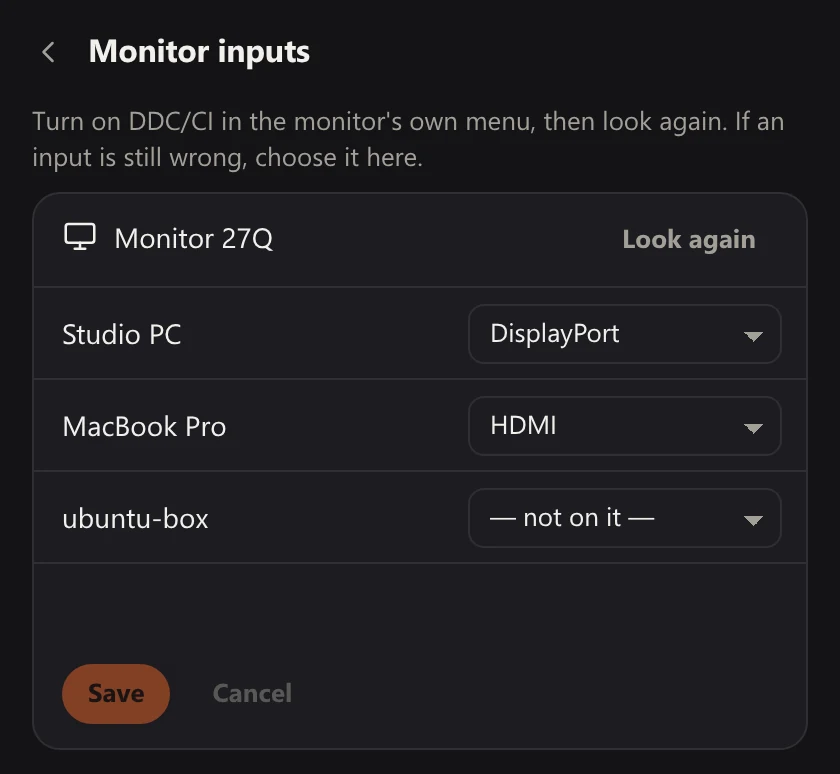
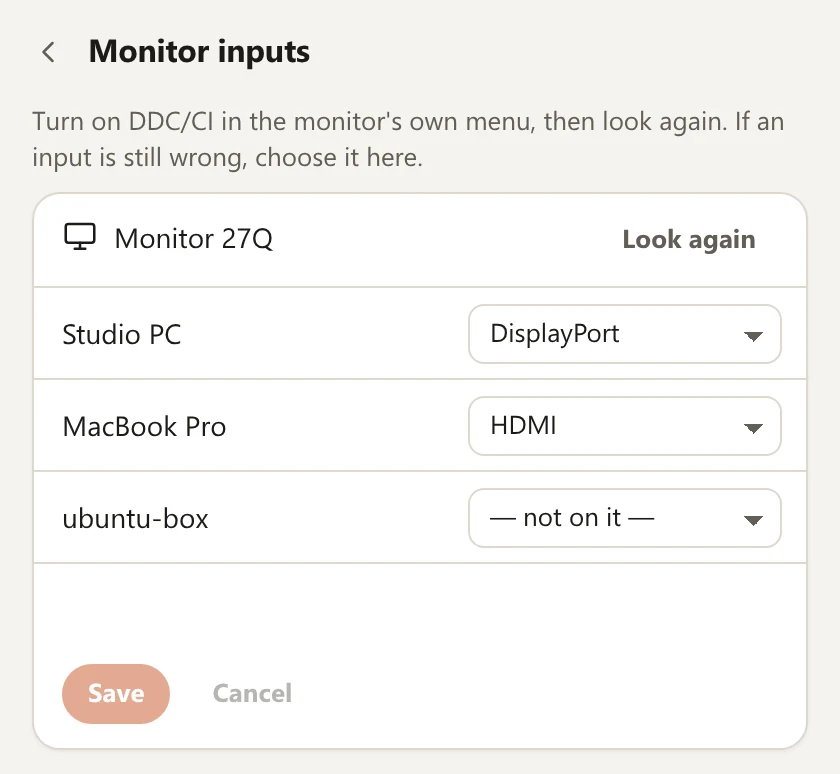
Measured on our own desk
Like any other app. After that it updates itself.
One computer shows the code and you type it on the other. Both have to be on the same local network.
The keyboard and mouse move to the next computer; the sound and the monitor follow. Press again for the one after that.
Any two or three of them can share one desk.
Tested on Windows 11
You downloadsetup.exe
Tested on Ubuntu 26.04
You download.deb
For Macs with Apple silicon. Still in beta: expect rough edges.
You download.dmg
Four desks it was made for, each with what it replaces there and what it does not do.
One keyboard and one headset for both, across the edge of the screen.
One monitor, one key, and the text you copied comes along.
The picture changes with the keyboard. No box on the desk, no reaching for buttons.
The headset stays put and plays whichever computer you choose.
No. There is no account and no cloud: the computers are linked over your local network, and switching works without the internet. You need it to download Hotseat and its updates.
Each computer is plugged into its own input on the monitor. Hotseat tells the monitor to change input over DDC/CI, which most monitors support. The switch takes as long as the monitor itself needs: about 2.6 s on the monitor on our desk. The keyboard and mouse alone move in under 0.2 s.
No. Switching the monitor is optional: without it the keyboard, mouse and sound still move.
Computers are paired with a 6-digit code that you type yourself, and both show a fingerprint that has to match. The link between them is encrypted. If anything goes wrong, an emergency key combination brings the keyboard back at once. Security and privacy in plain words
Nothing moves to it: the keyboard and mouse stay where they are. If the computer you are working on falls asleep or drops off the network, they come back to your own computer.
Yes. With two computers F11 takes you to the other one and back.
Yes, to a computer that has a screen of its own beside you, such as a laptop. Show Hotseat where that screen stands, then push the pointer past the edge: the keyboard and mouse go with it. This does not work yet when the keyboard and mouse are plugged into a computer that runs Ubuntu.
Yes. Click the headset in the Hotseat window and pick that computer: its sound plays in your headset while the keyboard and mouse stay where they are.
All your own computers and all updates. You pay once.
Refunds are made by the reseller named on your receipt, under its refund policy and the law of your country. If Hotseat does not work on your desk, write to us first. How refunds work
A lifetime licence with all updates.
Lifetime licence
$9.99
Pay once.
Hotseat is not on sale yet. This button takes no payment and collects nothing.